 Riptide
Every file, pulled in parallel.
Up to 16 connections per download, resume after any drop, and a queue you can schedule. A download manager built native for the Mac.
macOS 14 Sonoma or later · Apple silicon and Intel · 17 languages
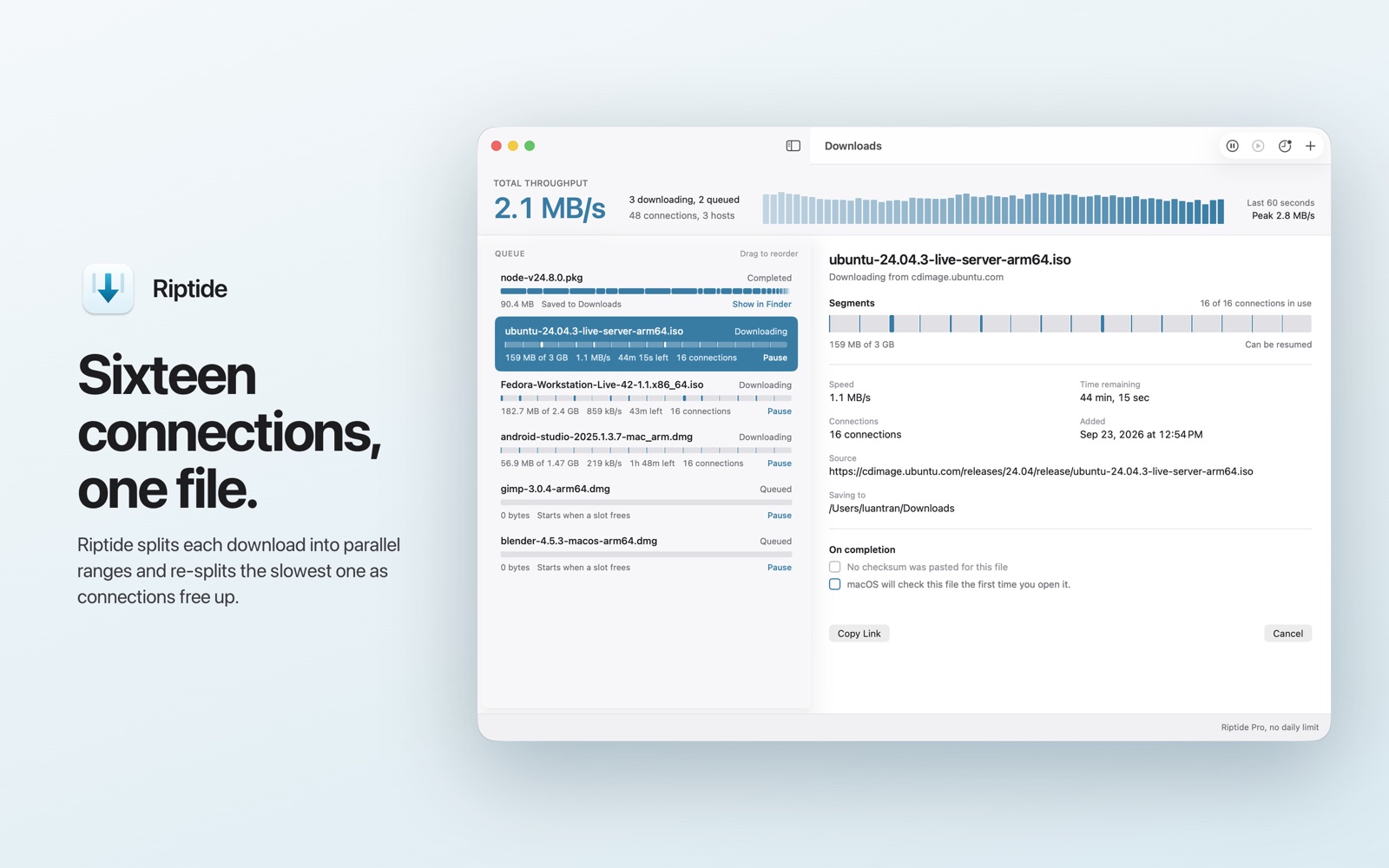
One bar cannot show sixteen
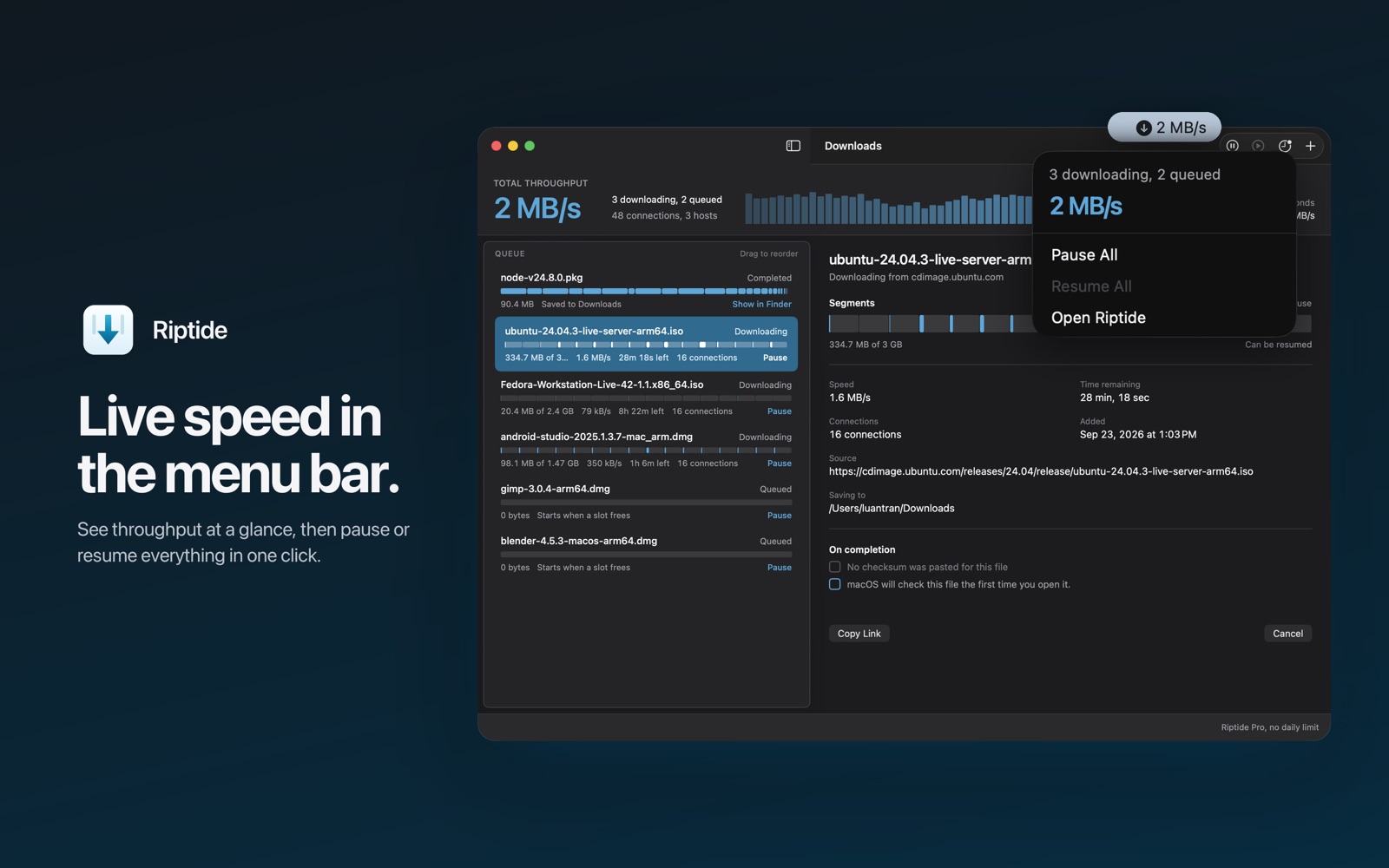
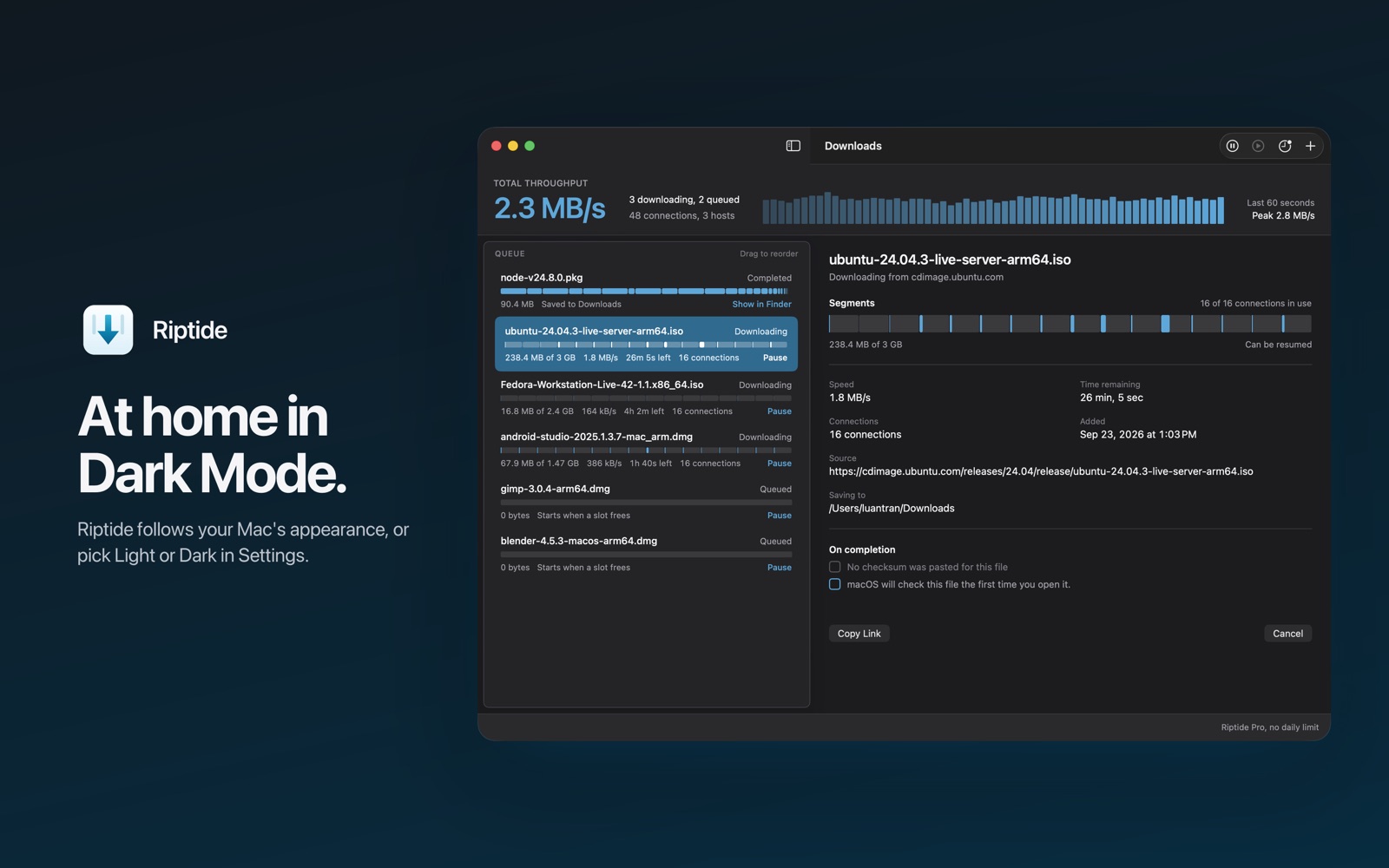
The segment strip draws every range being pulled at once, so you can see a slow one being split while it runs.
Fast, and it finishes
Pulling a large file quickly is half the job. The other half is getting a correct file when the network does not cooperate.
Segmented and rebalanced
Riptide splits the file across parallel connections. When one finishes early it takes half of the slowest range, so one slow connection cannot hold up the rest.
Resume to the exact byte
Progress is written to disk as it goes. A quit, a crash, a power cut or a dropped network all pick up where they stopped.
Never stitches two versions
Before resuming, Riptide checks the file on the server. If it changed, the download starts over cleanly instead of joining old and new into one broken file.
Batch links and patterns
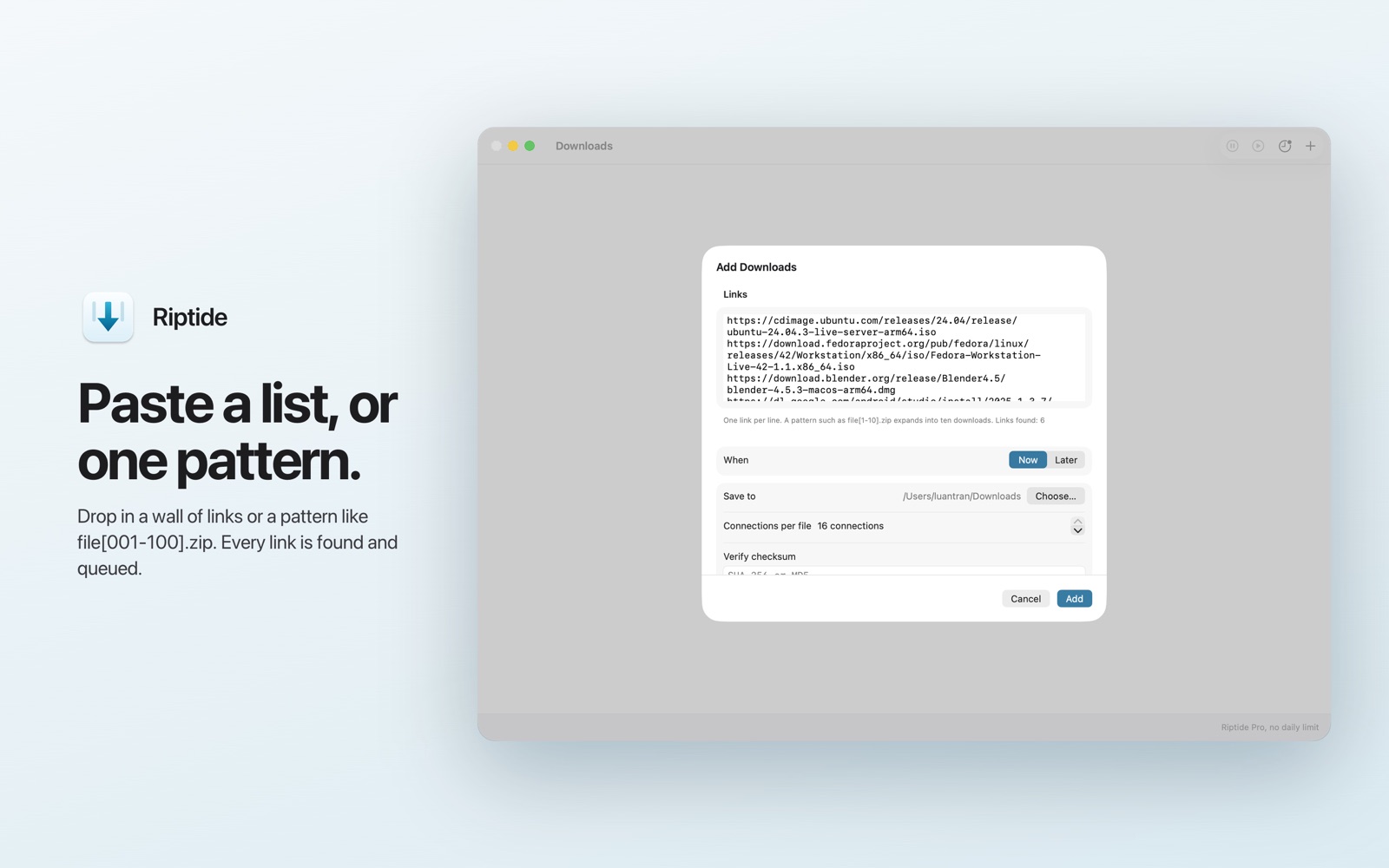
Paste a list of links at once, or one pattern such as file[001-100].zip, and Riptide expands it into the queue. Drag a link in from any browser.
Scheduling
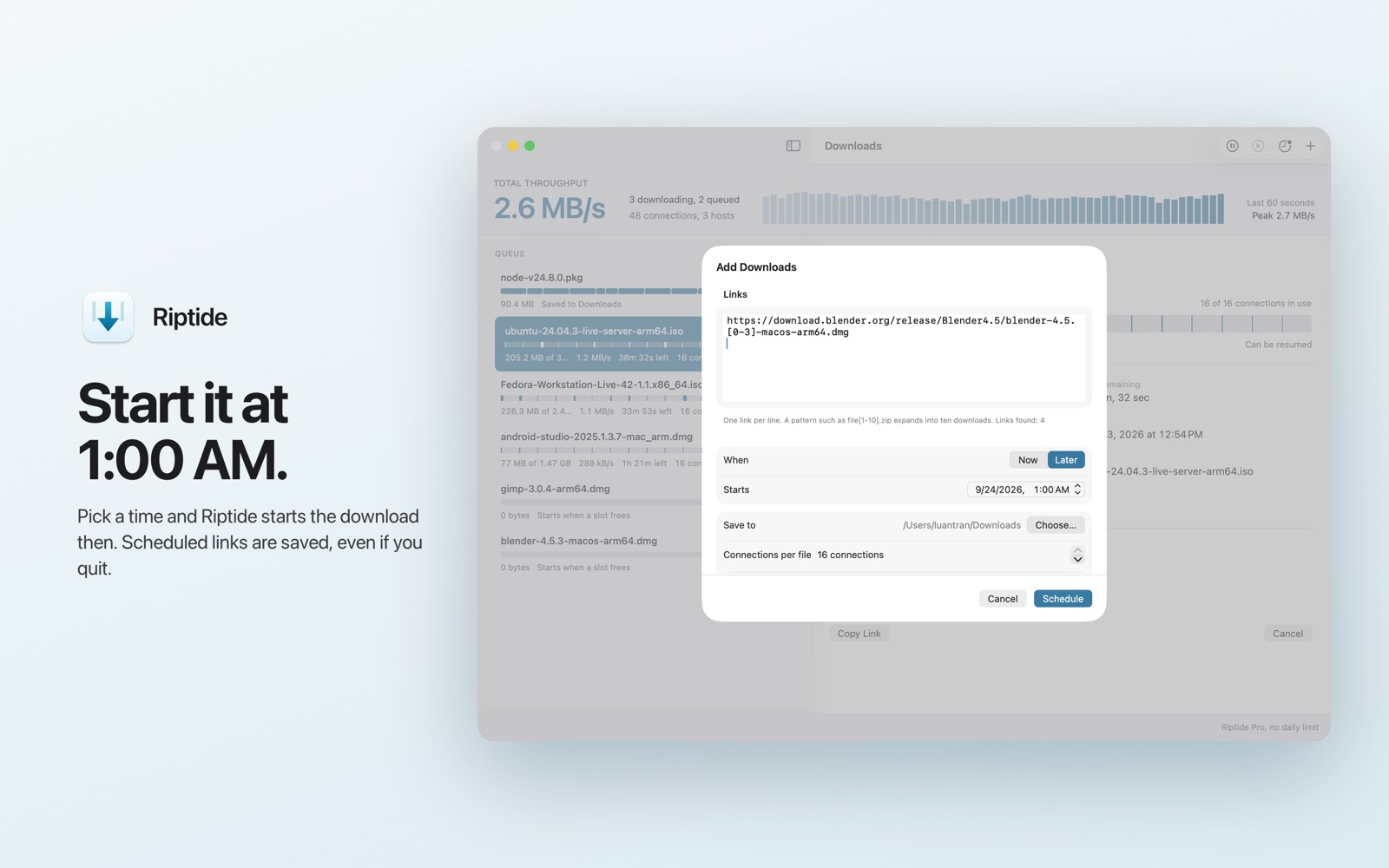
Add a link now and have it start at a time you choose. Scheduled links are saved, so they survive quitting the app.
Queue, menu bar, Shortcuts
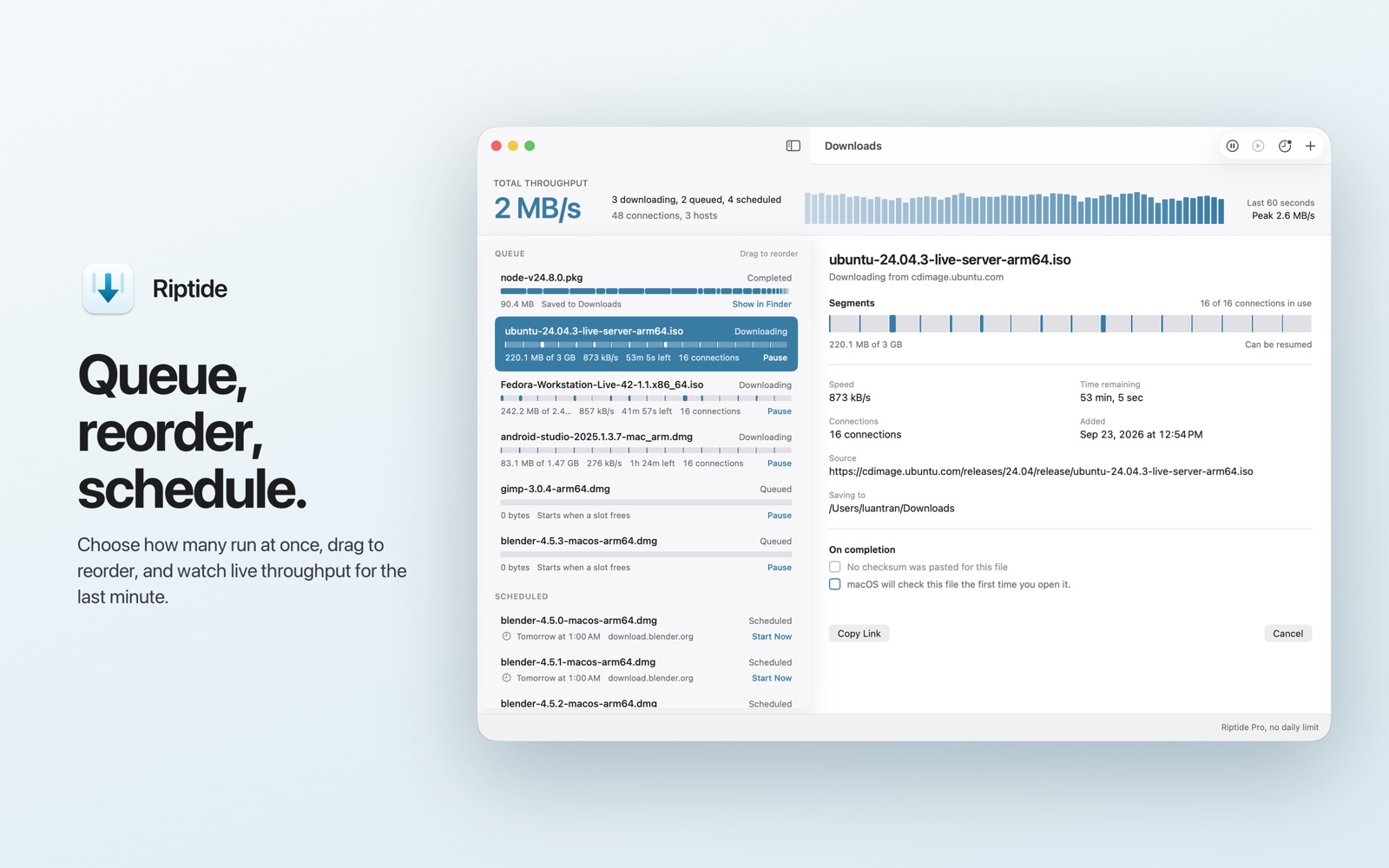
Set how many run at once, reorder by drag, cap the overall speed. Watch live throughput from the menu bar, and add or pause downloads from Shortcuts.
Some servers do not support byte ranges. Riptide downloads those in a single stream and says plainly that resume is not available for that file, instead of pretending otherwise.
What Riptide does not do
It downloads direct file links over HTTP and HTTPS, and does that one job well.
- No video or audio extraction from streaming sites
- No torrent or magnet links
- No crawling or mirroring whole websites
- No account, analytics or telemetry
Free to use. Pro once.
One purchase, no subscription. The free version keeps working for as long as you use it.
Riptide
Free
- 3 completed downloads a day
- 2 connections per file
- 3 downloads running at a time
- Resume, batch links, scheduling, menu bar
Only completed downloads count, so a failed or cancelled transfer never costs one. The count resets at midnight in your time zone and is always visible in the app.
Riptide Pro
$4.99 in the US, local price in your store
- Unlimited downloads, no daily allowance
- Up to 16 connections per file
- No cap on downloads running at once
- Checksum verification, SHA-256 or MD5
- Mirrors: one file from several servers at once
Buy once and restore it on any Mac signed in to the same Apple Account.