
Hide faces
in one tap.
Blur Face hides the faces in your photos and videos before you share them. Pick your clips, choose a style and tap Blur all. Every face is found for you and stays covered as people move.


Faces move. The blur follows.
From a crowded clip to a video you can post without exposing anyone.
Four taps to a safe share
No masking by hand, no keyframes, no editing timeline.
Pick photos and videos
Select one file or a whole batch from your library, photos and videos mixed.
Choose a style
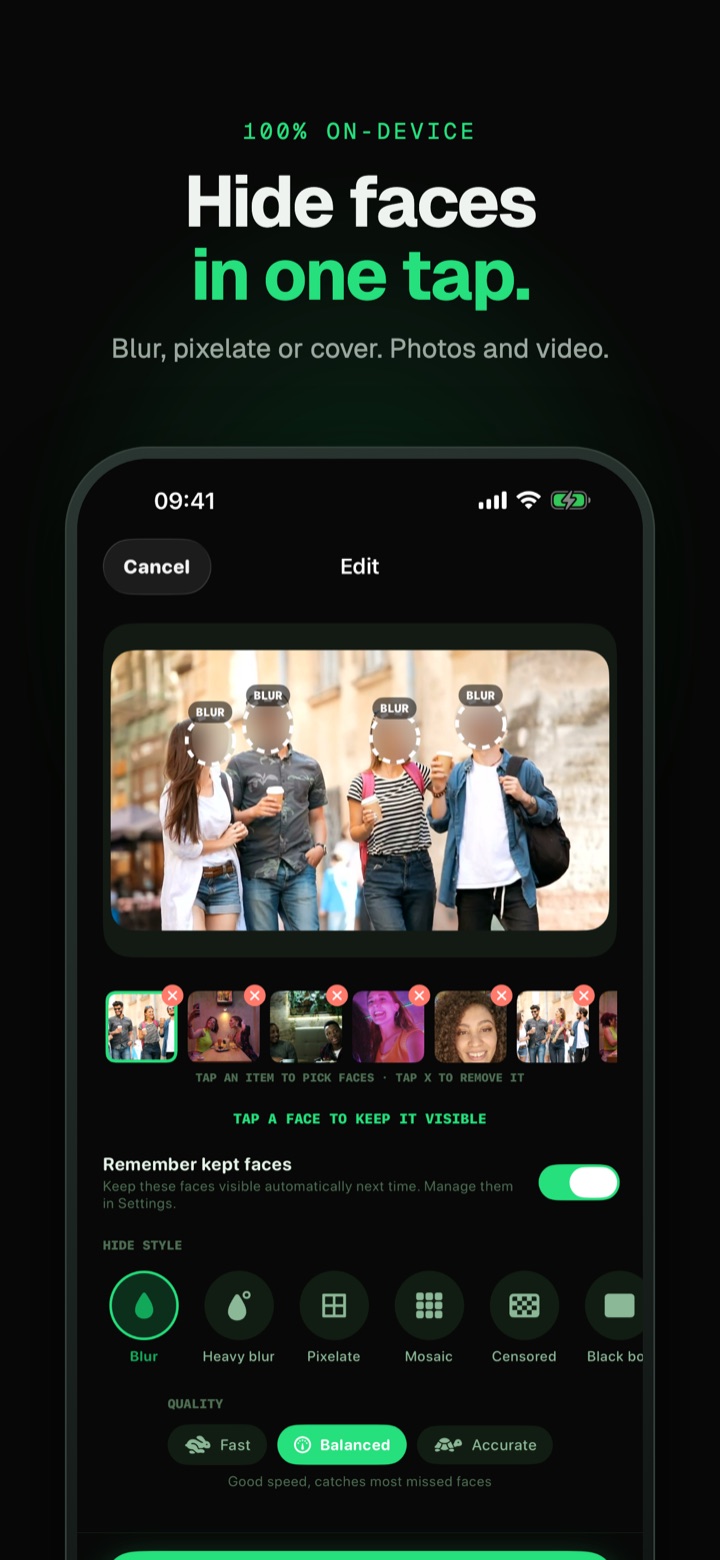
Blur, pixelate, a censor block or an emoji. Tap a face to keep it visible.
Tap Blur all
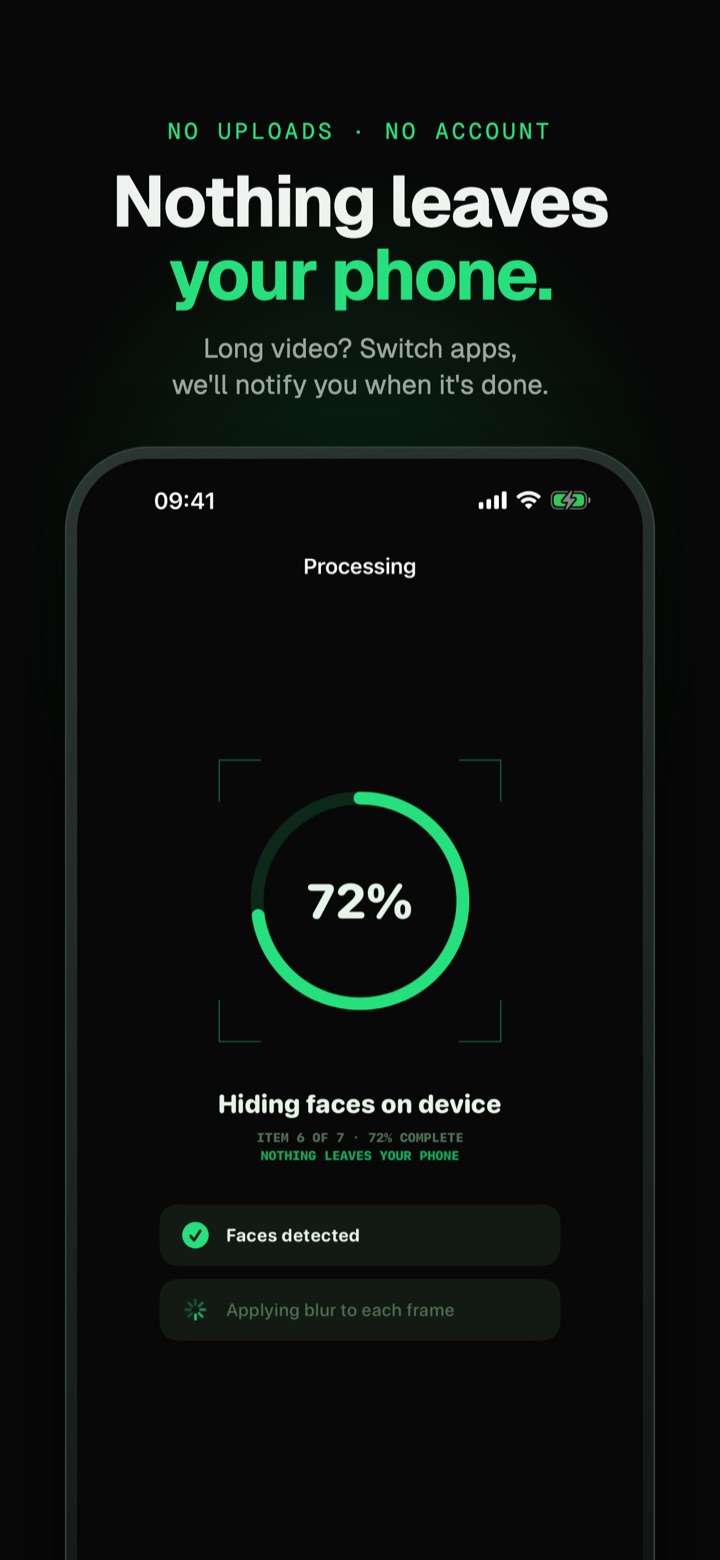
Faces are detected and tracked through every frame. Switch apps and get a notification when it is done.
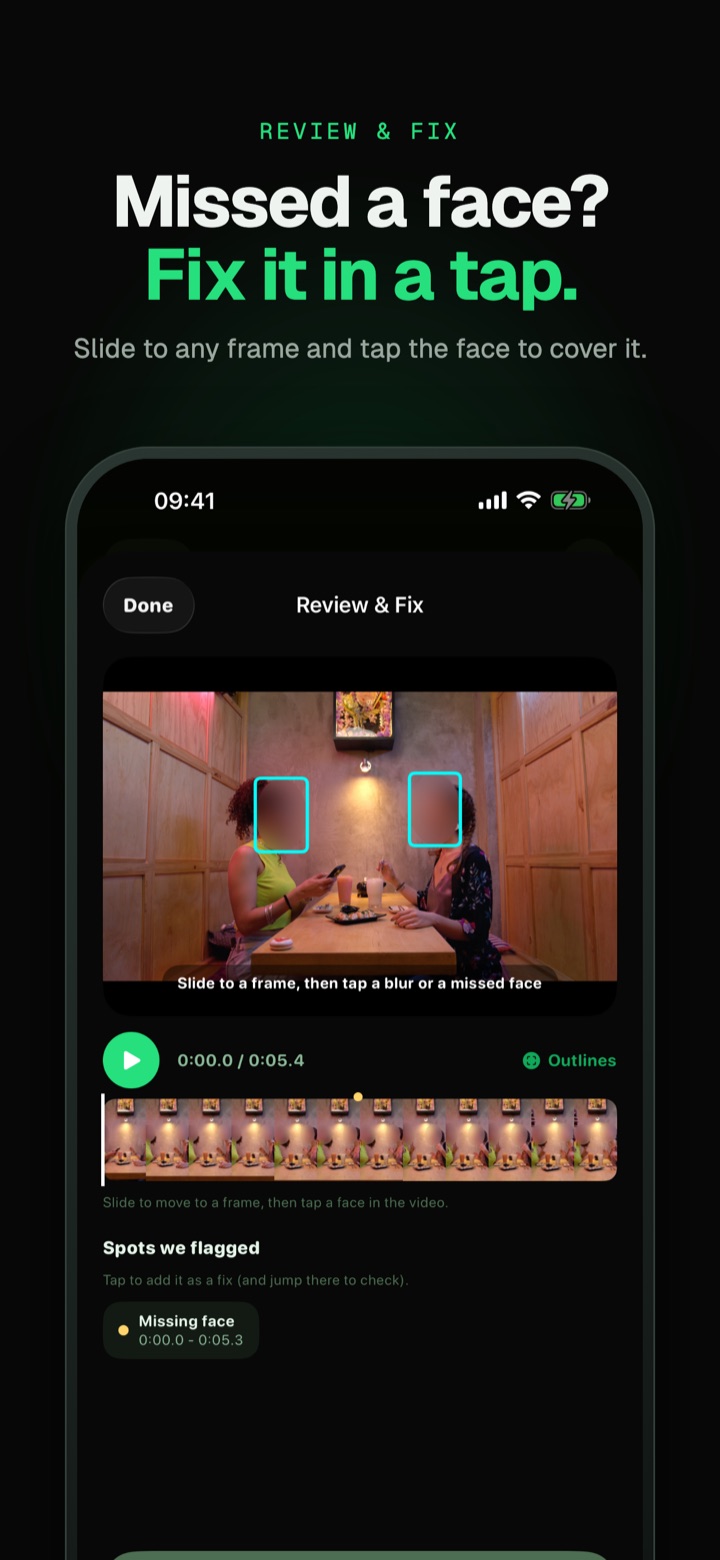
Review and save
Compare before and after, fix anything missed, then save to Photos or share.
- Post your kid's school play without showing other children
- Share street or event footage without exposing bystanders
- Send clips to a group chat, teacher or client with faces hidden
- Keep a witness, a friend or yourself anonymous
Nothing slips through
Built for video first, so faces stay hidden from the first frame to the last.
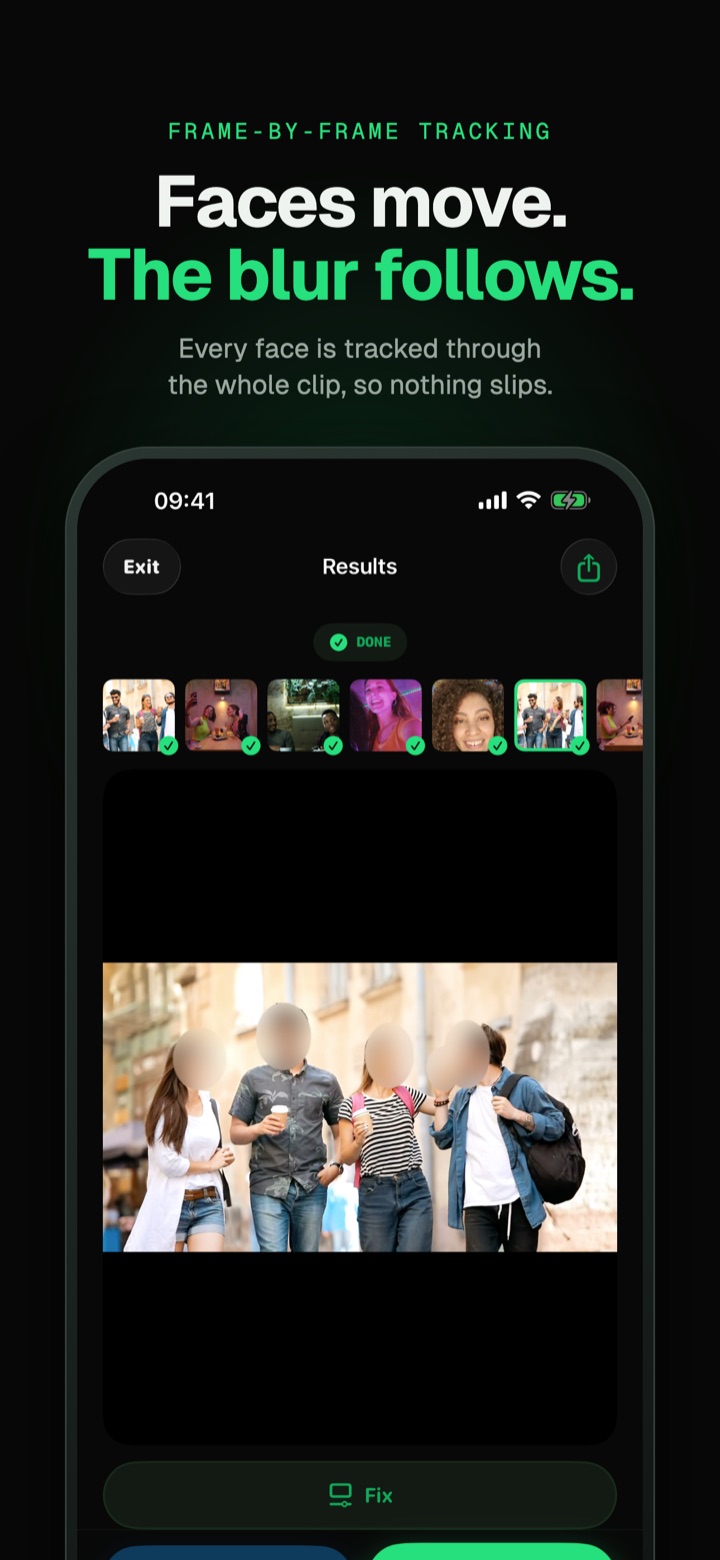
Frame-by-frame tracking
The blur stays on when someone turns, walks across the shot or moves fast. Side profiles and faces cut off at the edge are covered too.
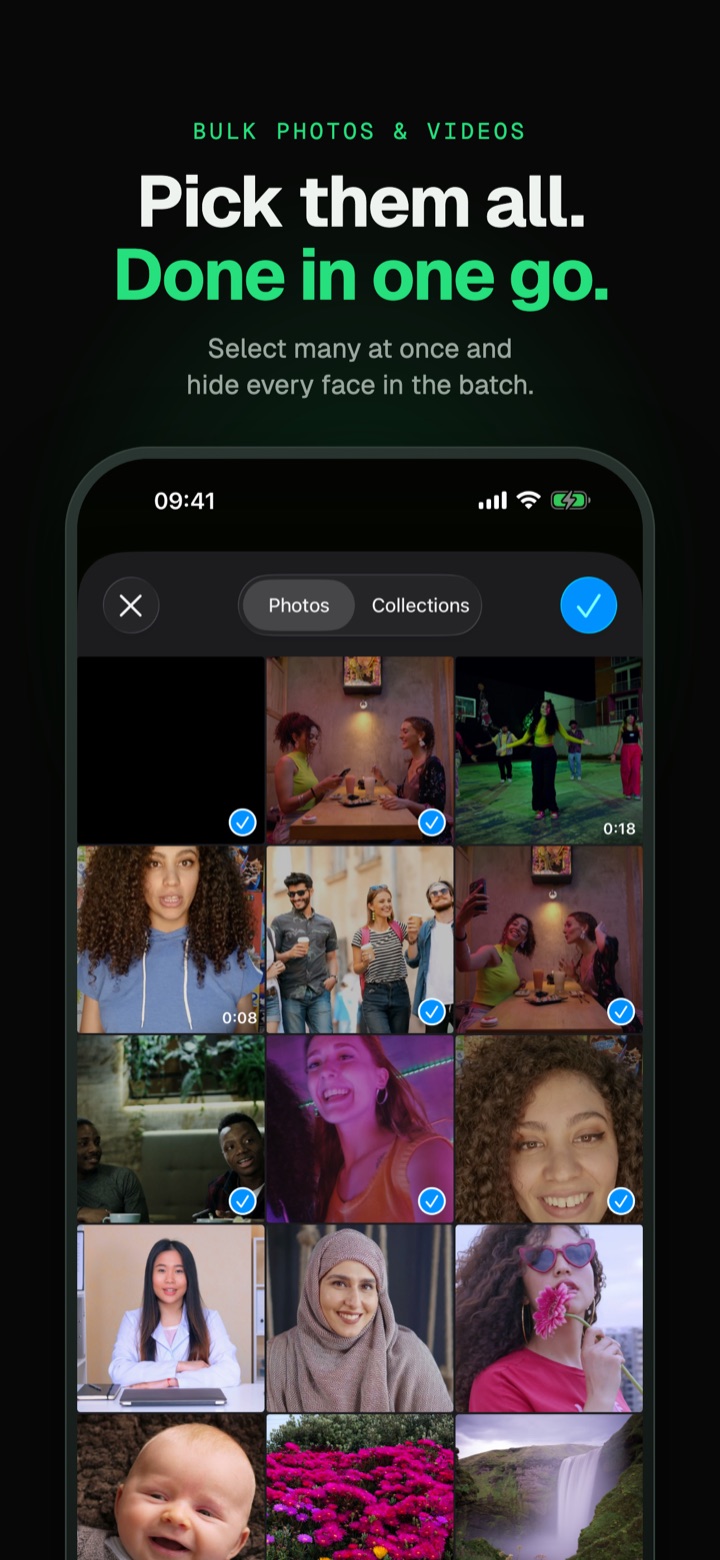
Bulk photos and videos
Select many files at once, pick one style and process the whole batch in one go.
Keep the faces you want
Tap a face to keep it visible and blur everyone else, like showing your child and hiding the rest of the class. Kept faces can be remembered for next time.
Review and fix
Missed a face for a moment? Scrub to it and tap the spot. Blurred something that is not a face? Tap it to remove the blur.
Works in the background
Long video? Switch to another app while it processes. You get a notification the moment it is done.
Private by design
Face detection and blurring run on your phone. Your photos and videos are never uploaded, and there is no account to create.
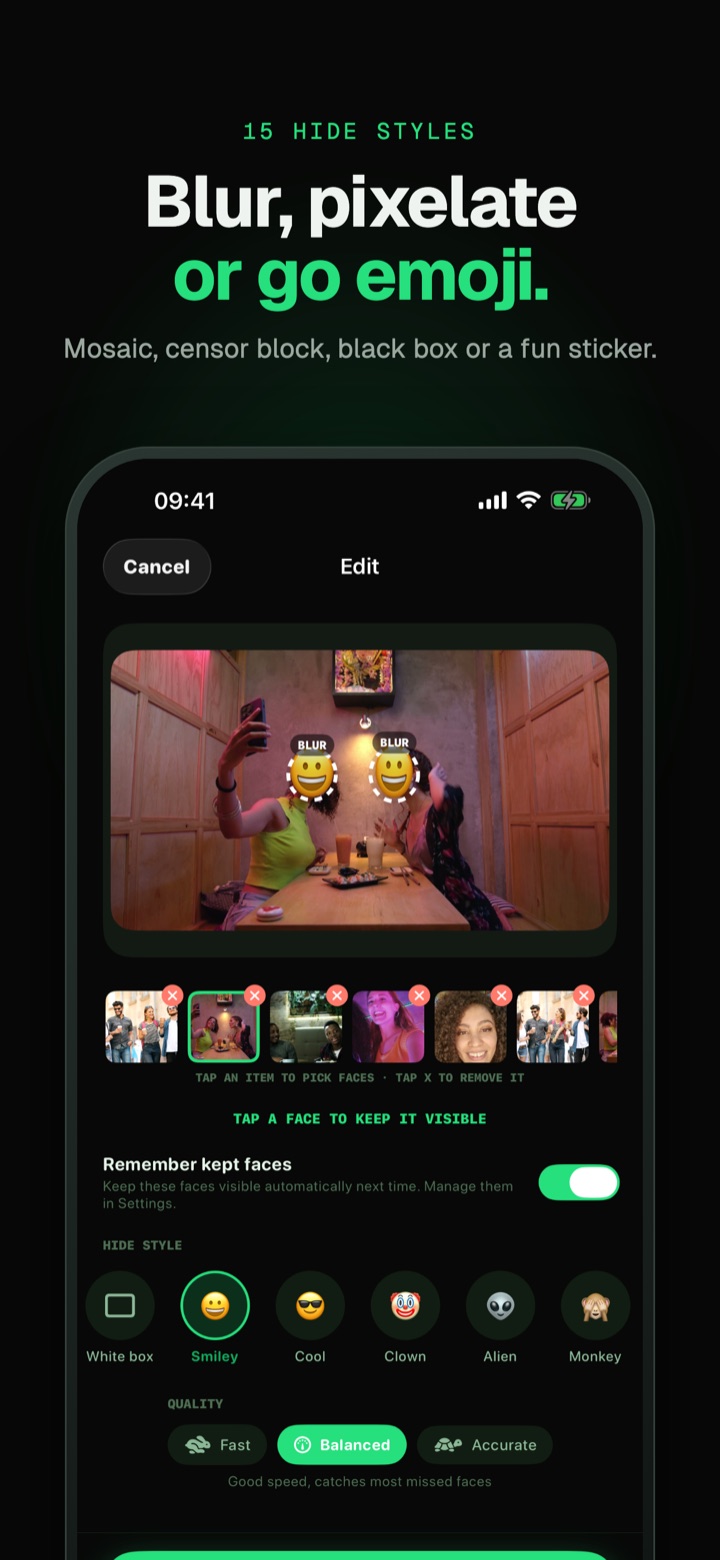
Blur, pixelate or go emoji
Preview the look before you export.
No limits. No ads.
One payment. No subscription, no renewals.
Every feature and every style is free to use. The free plan blurs 5 photos and 2 videos a day, and a short ad unlocks 3 more photos or 1 more video.
Blur Face Premium
One purchase, yours for good on every device signed in to your account.
- Unlimited photos and videosNo daily cap, blur as many as you need.
- No adsNothing full screen, ever.
- Restore anytimeReinstall or get a new phone and restore it in Settings.
One-time payment. No subscription.